

Most people don’t have a “decision problem.” They have a structure problem.
And without structure, you default to one of two modes...
On one side, there’s underthinking:
- Saying yes because it’s flattering
- Jumping into deals because they “might not come again”
- Moving fast without checking: is this actually aligned with where I’m going?
On the other side, there’s overthinking:
- Spinning through 47 scenarios in your head
- Asking five people and getting five conflicting answers
- Reopening the same decision every few days because nothing is anchored anywhere
If you managed your money this way, someone would gently take your spreadsheet away.
With money, workouts, time, we accept that some tracking and structure helps:
- You track investments so you can see patterns
- You track workouts so you know when to increase weight or rest
- You track time so you can see where your attention actually goes
- You track energy so you can see what fuels and what drains you (shameless plug for The Activity Flow Journal!)
But with decisions, we (might?!) journal and hope future-us remembers the insight.
Journaling is incredible for clarity in the moment.
What it doesn’t do by default is:
- Make options comparable
- Capture signals you can check again later
- Turn decisions into a body of data you can learn from
That’s where a Decision Operating System (DecisionOS) comes in.
It does more than structure- it gives your nervous system a familiar path:
I know how I move through big decisions.
I know what I check.
I know how to reflect.
I trust my process more than the mood of the day.
Process > result.
The result will always be uncertain. Your process is yours.
Where This Guide Fits in the Series
This guide builds on a three-part Everyday Innovation series:
- Episode 31 – 4 Frameworks to Cut Through Indecision - Practical methods to cut through noise when you can’t see the next step.
- Episode 32 – The Identity Behind Strategic Decisions - How your internal world shapes what feels aligned once you act.
- This episode – Creating Your Unique Decision Operating System (OS) - Bringing it all together into a simple, repeatable operating system.
🎧 Watch or Listen to the full episode:
YouTube
Spotify
Apple
You can use this guide without listening. The episode just gives you more context and nuance.
What DecisionOS Actually Is
At its core, DecisionOS is:
A simple, reusable structure that blends context, intuition, relevant data signals, and reflection into decisions you can stand behind.
It helps you:
- Turn vague mental stress into a clear question
- See real options, not just yes/no
- Check alignment + intuition resonance+ regret + risk in a lightweight way
- Take one concrete step instead of circling endlessly
- Reflect just enough that wisdom compounds over time
You don’t need it for “What should I eat?”
You do want it for decisions that touch time, money, relationships, energy, reputation, identity, direction...
The structure I use is the Everyday Innovation model:
Clarify → Architect → Validate → Activate → Integrate
Let’s walk one example all the way through:
Decision example: “Should I take this new opportunity now, or protect my time for my current project?”
Clarify – Define the Real Decision
This is where most people get stuck: the decision is fuzzy.
Your job here is to:
Turn the jumbled thoughts into one clear question + a short snapshot of your moment.
Questions to guide you:
- What exactly am I deciding? (Write it as a question.)
- Why now? What triggered this?
- What’s at stake?
- time, money, energy, direction, identity, reputation, relationships
- Is this reversible or directional?
- Is this personal, shared, or business?
- What values are being touched?
- First nervous system note: curious, excited, pressured, drained?
Example (our scenario):
Decision question
“Should I take this new client project now or wait until next quarter to protect my time for current work?”
Snapshot
The opportunity is well-paid and time-bound. My current project is already demanding. Stakes: my time, energy, and the momentum of my existing work. It’s reversible, but meaningful. My body feels curious and slightly anxious.
You’ve already reduced overwhelm just by naming the decision properly.
Architect – Map the Real Options
Overthinking loves a vague “yes or no.”
Architecture says: What’s actually on the table?
Your job here is to:
List 3–6 real options and note the main trade-offs.
Questions to guide you:
- What are the actual options?
- What matters most in comparing them today?
- What trade-offs does each path involve?
- What assumptions am I making that I haven’t tested?
- Is there a smaller or time-boxed version of this?
Example options:
- A – Say yes to the full project as proposed
- B – Say yes with limited scope (smaller project / tighter boundary)
- C – Say yes but start next quarter
- D – Say no, but revisit in 3–6 months
- E – Do nothing, keep current setup
Now your brain has a real landscape, not just “this or nothing.”
Validate – Check the Signals
This is where you bring in data without killing intuition.
In DecisionOS, we use four signals, each scored 0–100:
- Alignment – Does this match my values, direction, and priorities?
- Intuition Resonance– What does my gut or inner knowing say about this?
- Regret Risk– How much would I regret not choosing this?
- Risk Fit – Can I absorb the downside in this season?
You can score multiple options, but start with the current front-runner. You’re testing the option you’re actually likely to take.
Score your leading option for each dimension below. These are quick gut checks to surface misalignment early.
- Alignment
- 0 = Totally misaligned, conflicts with core priorities
- 50 = Neutral, some trade-offs but acceptable
- 100 = Perfectly aligned, supports all key goals
- Intuition Resonance
- 0 = Strong gut "no," something feels off
- 50 = Neutral, no strong feeling either way
- 100 = Strong gut "yes," feels right and energizing
- Note: This measures the strength and direction of your intuitive response, not whether you're moving forward. Even if you proceed with an option, a low or high Intuition score signals something to pay attention to.
- Regret Risk
- 0 = No regret expected
- 50 = Moderate, some regret possible but manageable
- 100 = Future-you will absolutely bring this up
- Risk Fit
- 0 = Risk is too high or too low for the situation
- 50 = Acceptable risk level
- 100 = Risk level is ideal for current context and capacity
- Consider: Can you absorb a bad outcome? Is the upside worth it? Does this match your risk tolerance right now?
Example: option B – “Say yes with limited scope”
- Alignment: 78 Fits my long-term direction and value of creating opportunities, as long as I protect focus.
- Intuition Resonance : 70 My body feels a mix of excitement + tension. Not a full-body yes, but not a no.
- Regret Risk: 82 I’d feel real regret if this opened doors and I passed without exploring.
- Risk Fit: 72 The downside (extra work, fatigue) is uncomfortable but manageable with boundaries.
Patterns to pay attention to:
- High alignment + regret → Future-you probably wants this.
- High intuition, low alignment → Possible emotional charge, but needs more grounding.
- High regret risk + low risk fit→ Consider a limited or experimental version.
- High across all four → It’s probably time to move.
This is where decisions start to feel embodied. You’re not ignoring your gut; you’re translating it into something you can see, talk about, and revisit.
Activate – Turn It into a Move
A decision isn’t real until it hits your calendar, inbox, or calendar invite.
Your job here is to:
Pick one step that turns thinking into motion.
Questions to guide you:
- What is the first concrete step I can take in the next 1–3 days?
- Who needs to know?
- What boundary or scope needs to be communicated?
- What’s the timeline for this first phase?
Example:
- Decision: Say yes with limited scope
- Next action (within 72 hours): Send a scoped proposal with clear deliverables, hours, and end date.
- Who needs to know: Tell my partner / team so expectations and schedules adjust.
- Boundary: Define in writing: max hours per week, what’s in vs out of scope, and when we’ll review.
You’ve moved from “Should I?” to concrete action. That's huge.
Integrate – Alchemize it into Wisdom
Most people never do this step.
That’s why they keep saying, “Why do I always end up in the same situation?”
Integration keeps us wise and accountable, and makes any result a win.
Questions to guide you (after some time has passed):
- What happened?
- What worked?
- What didn’t?
- What surprised me?
- What does this teach me about how I make decisions?
- What should future-me remember next time?
Example reflection:
My hesitation was mostly fear, not misalignment. The project did fit my values and direction. What I underestimated was the energy cost of context-switching between my main work and this new opportunity.
Next time, I’ll keep saying yes to this type of work, but I’ll:
– Tighten communication upfront
– Block my calendar more aggressively
– Add a midpoint check-in to re-evaluate scope
Do this across 10, 20, 50 decisions and you start to see:
- Where your intuition is usually sharp
- Where you consistently underestimate energy or risk
- When you’re people-pleasing instead of choosing
- Which types of decisions are energizing vs draining
That’s the point where the process becomes embodied.
You don’t need the full structure every time; you’ve internalized it. But the system is there when you need it.
A Simple DecisionOS Entry You Can Copy
Here’s a compact layout you can run in Notion, Notes app, or a paper journal:
Decision Question
What exactly am I deciding? (as a question)
Snapshot
Why this matters now
What’s changing
What’s at stake
Assumptions I’m making
Options
Option A –
Option B –
Option C –
Do nothing –
Signals (0–100)
Alignment –
Intuition Resonance –
Regret Risk (if I don't do it) –
Risk Fit –
Notes: Why these scores?
Next Action
One step in the next 1–3 days
Who needs to know
Any boundary I want to set
Integration (after)
What happened
What worked / didn’t
What surprised me
One lesson for next time
That’s your lighter “manual mode” DecisionOS.
Where the DecisionOS Template Levels This Up
You can absolutely run this on your own.
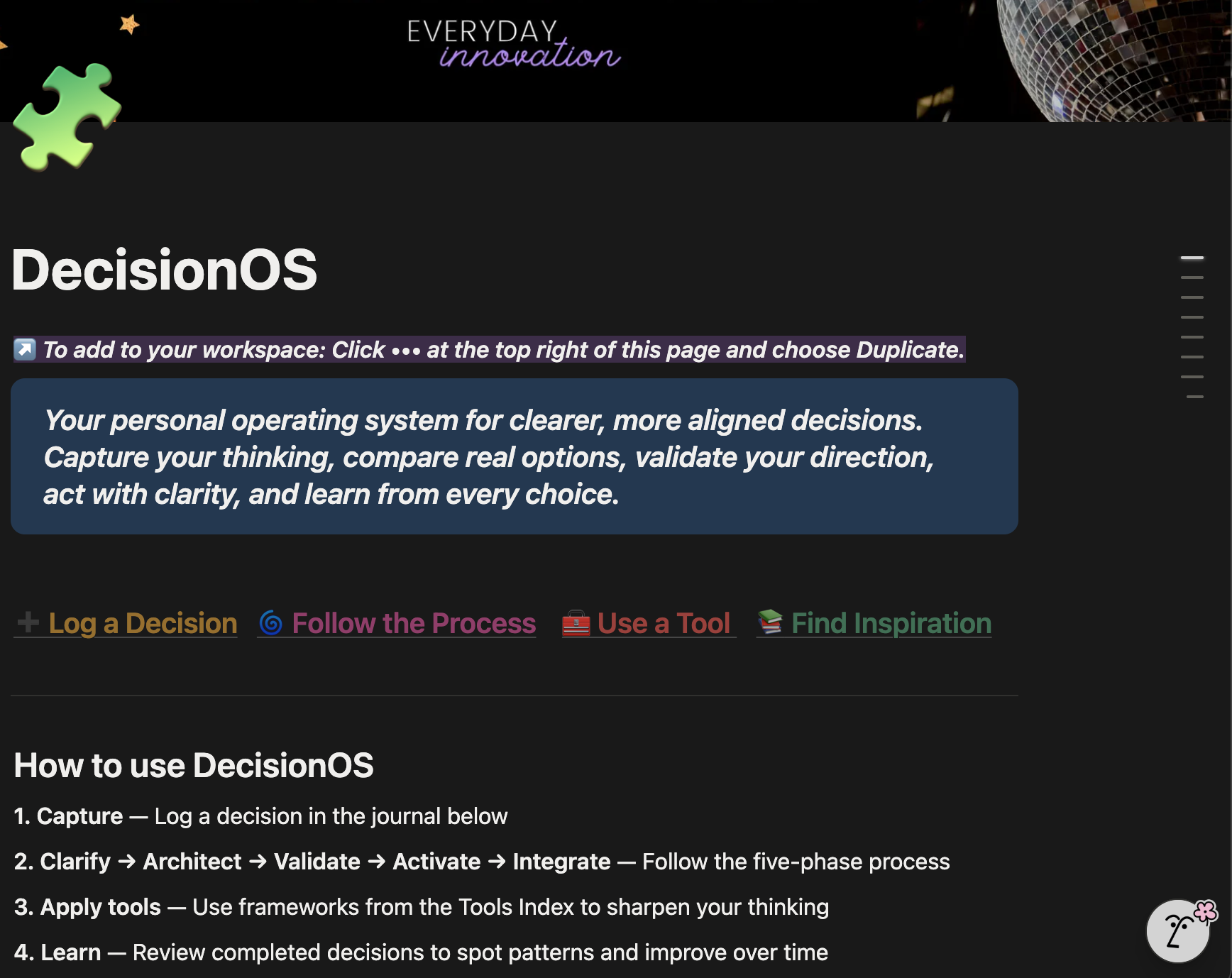
The DecisionOS Notion template just does the heavy lifting:
- Five-phase framework wired into a workspace
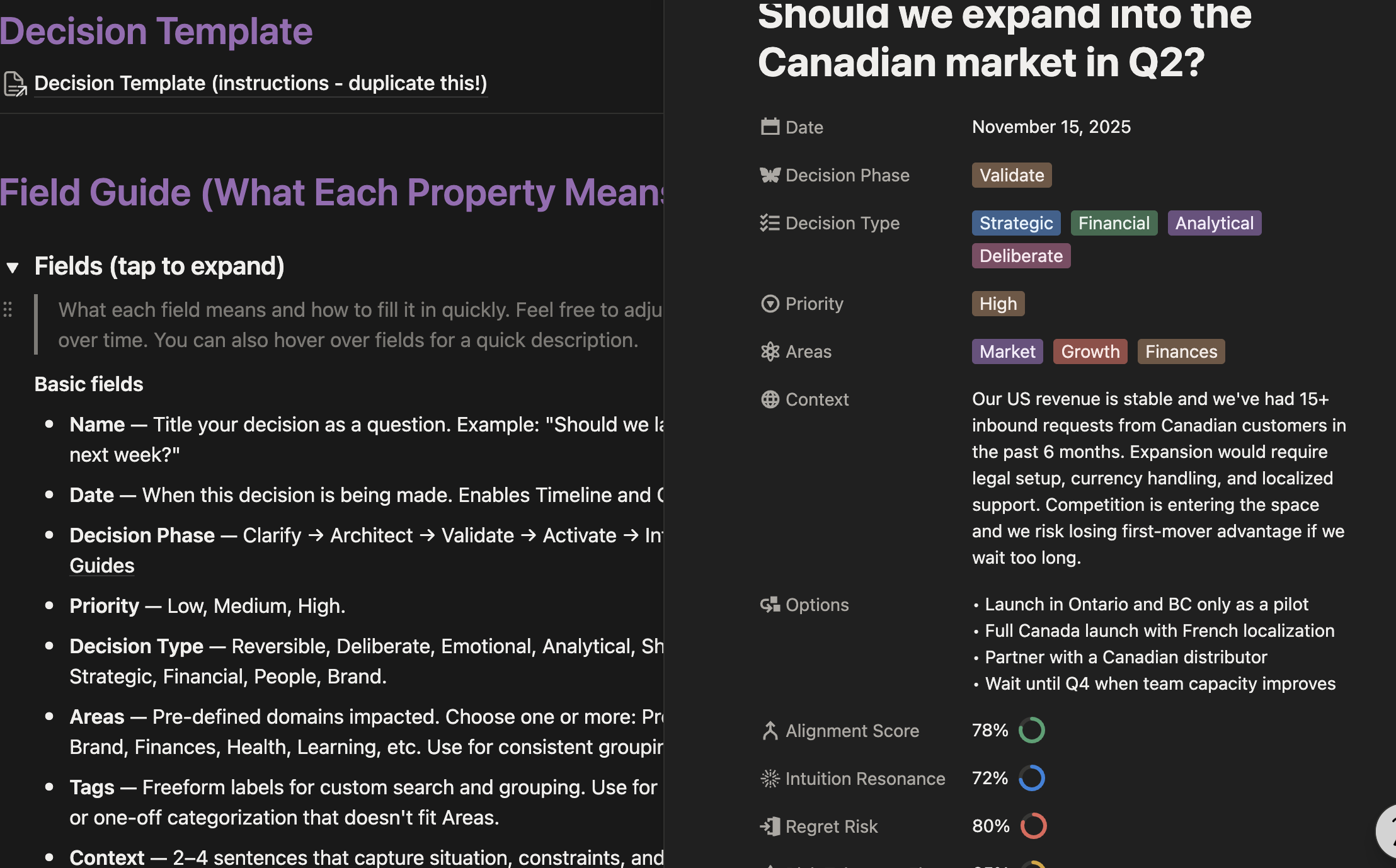
- Decision journal with fields for:
- decision name, phase, type, priority, areas, tags
- context and options
- the four signals (alignment, intuition resonance, regret risk, risk fit)
- Act Now Signal + Ready to Activate automated checks
- next actions, dates, owner, status, tools used
- a fully templated page section for notes and to move you through process
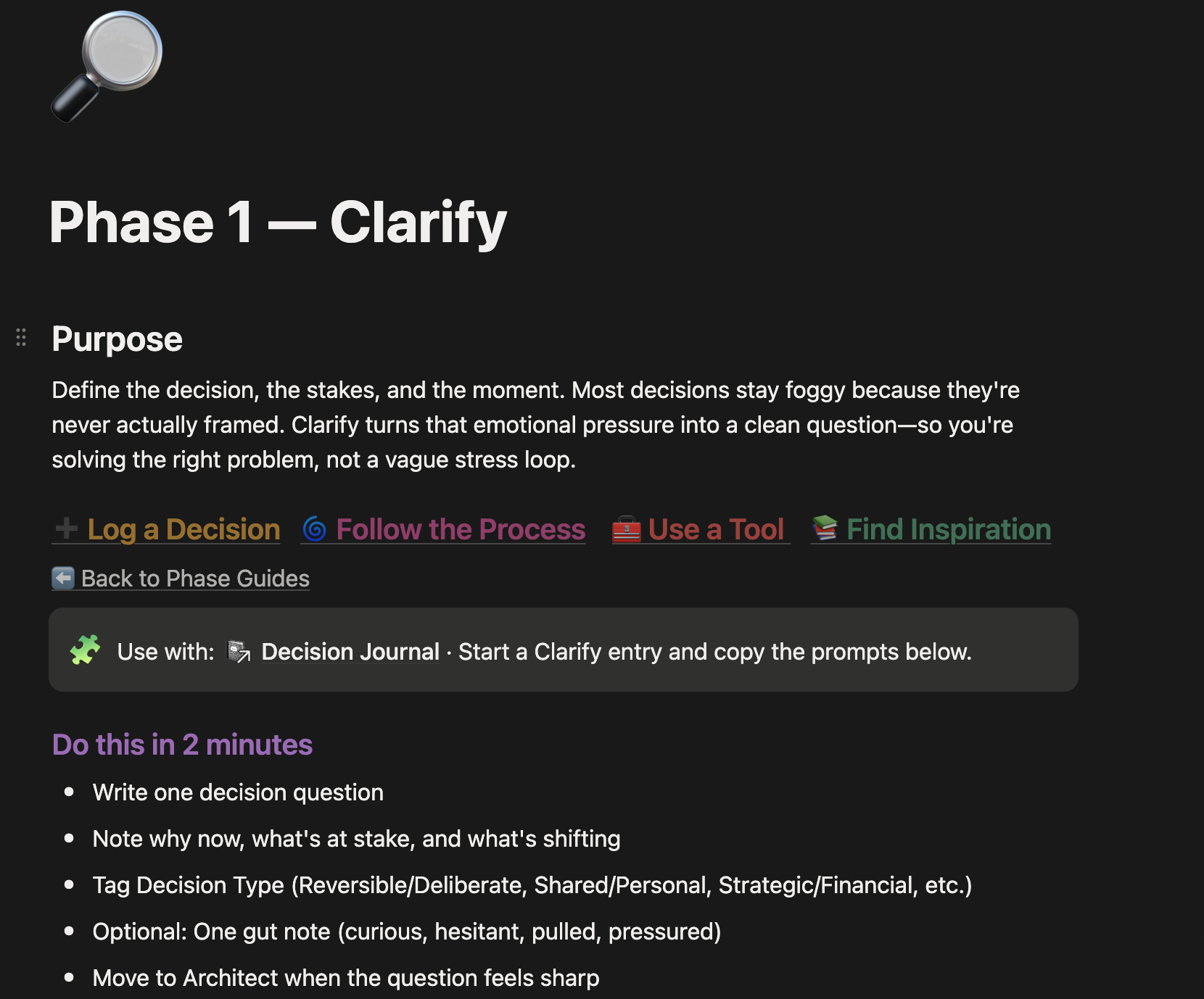
- Phase guides to reference as you help define the stage of decision
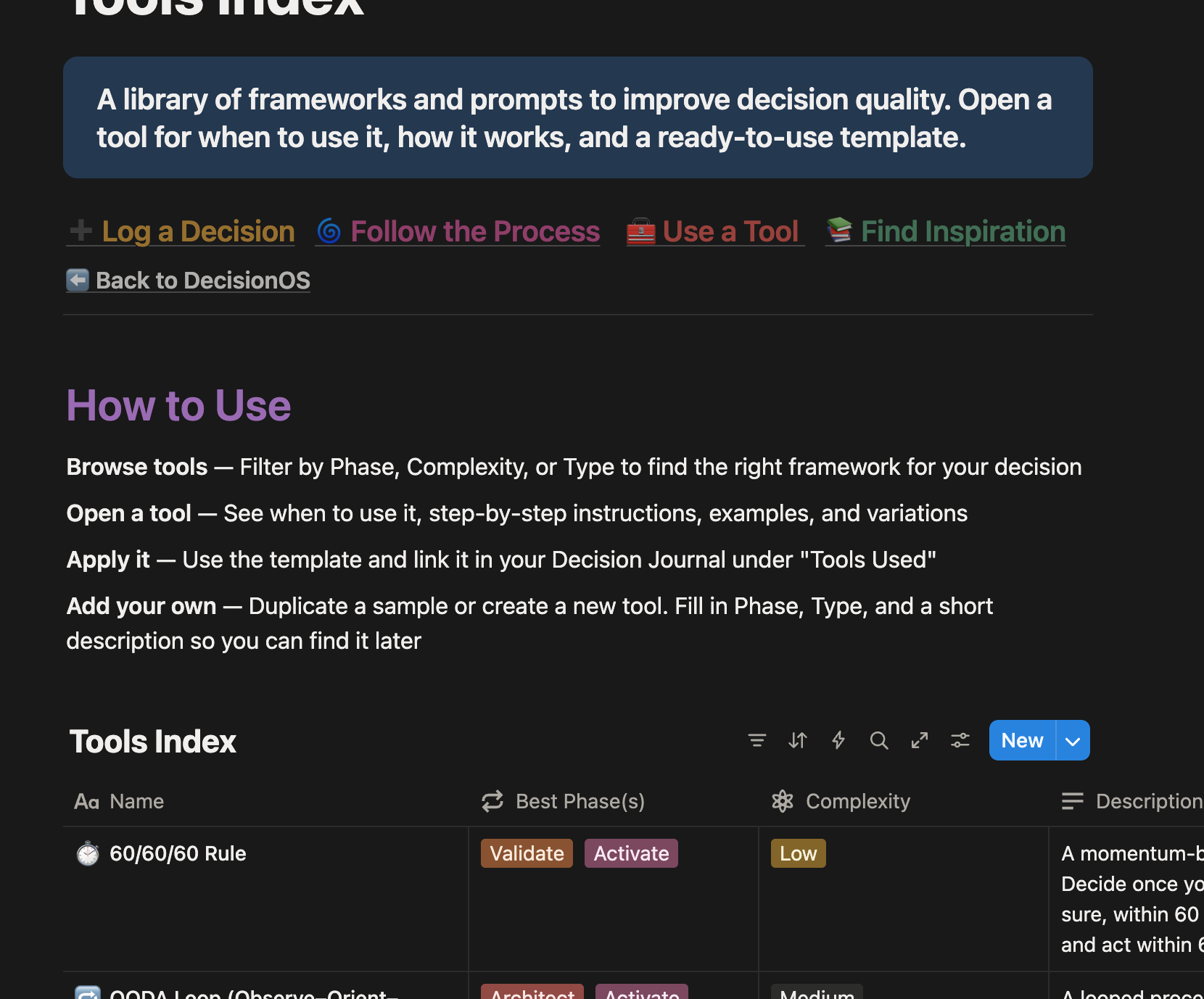
- Tools & resources libraries (premortems, matrices, assumption checks, decision-centric books etc.)
- AI sample prompt quick guide to pressure-test decisions and explore blind spots
- Sample decisions so you can see it in action
The more you use it, the more valuable it gets.
Want DecisionOS?
It's life-changing to have a process you trust enough to step into again and again until confident decisions start to feel like your default setting.


